Fix broken Linux servers.
Right in your browser.
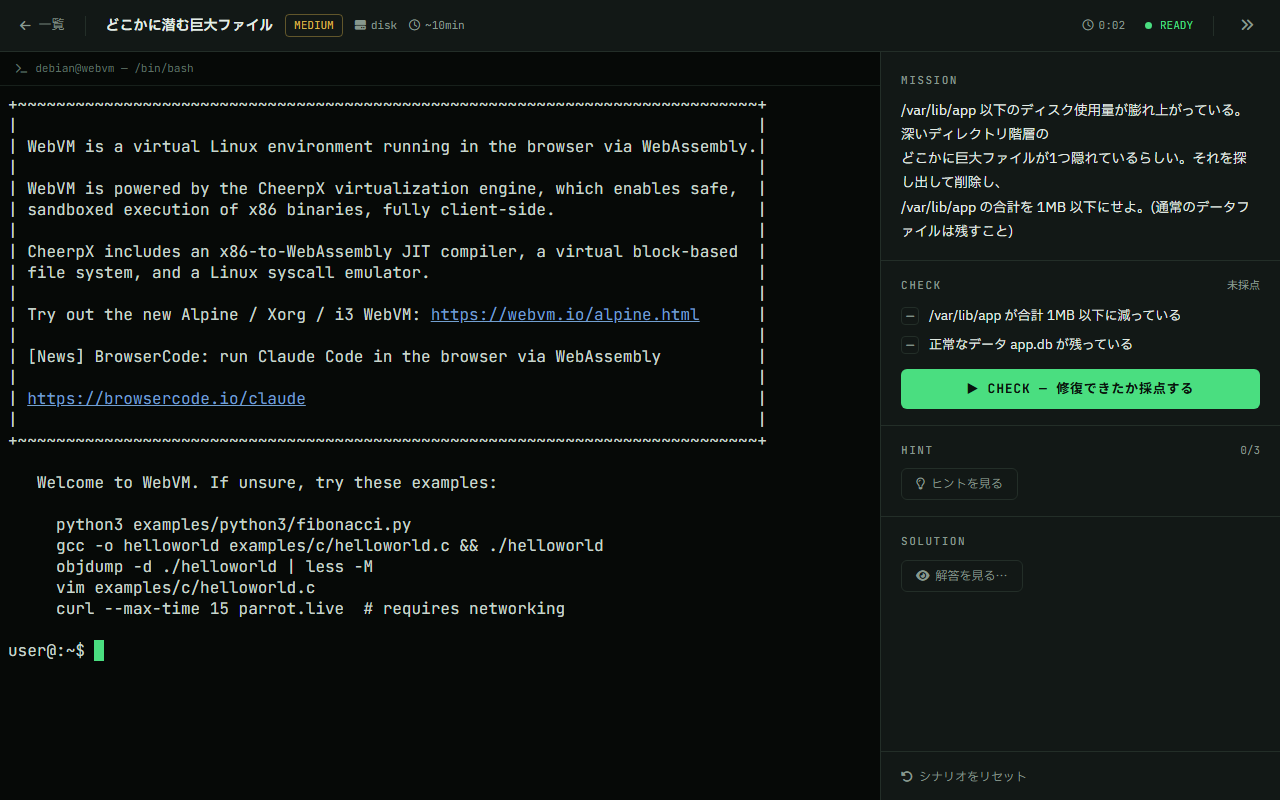
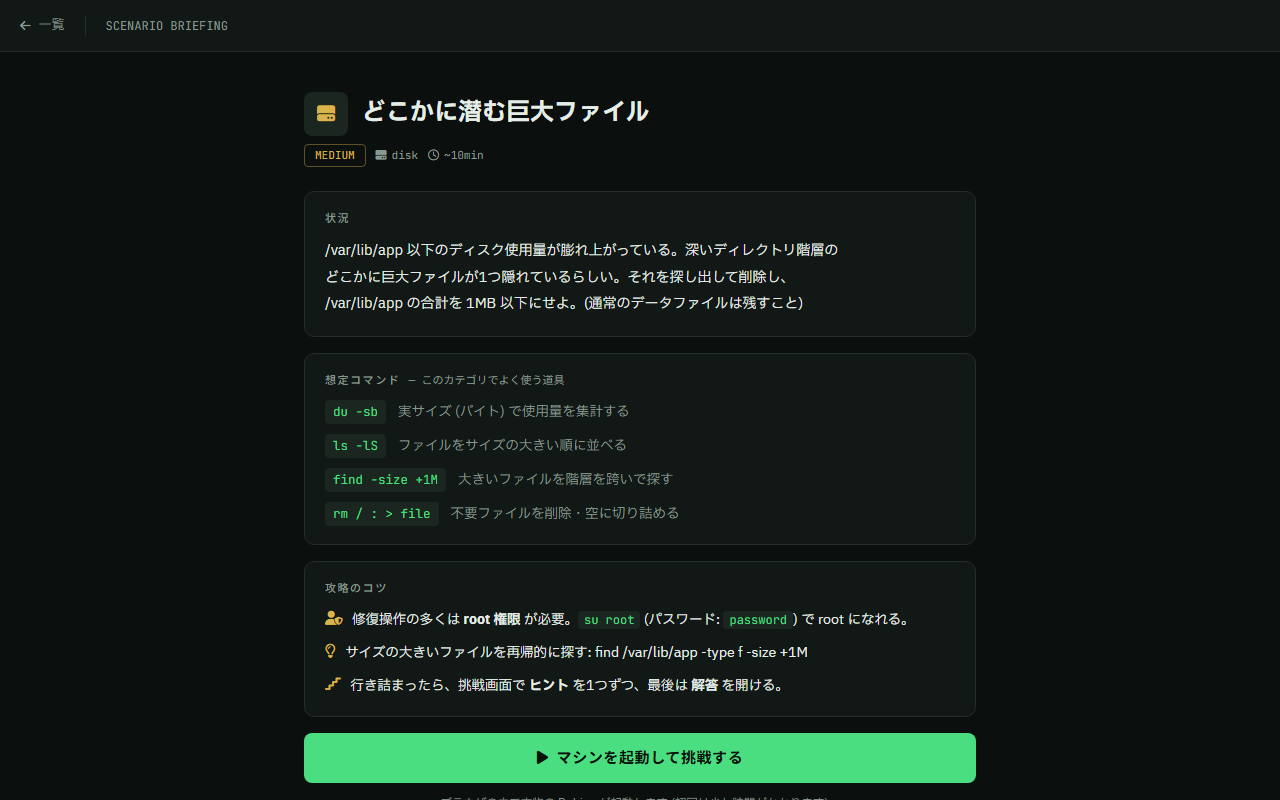
A real Debian Linux boots inside your browser. Each scenario hands you a deliberately broken server — investigate and repair it in a real shell, then hit Check for automatic grading. Whatever you break stays inside your browser tab. (UI is currently Japanese.)
The real thing
How training works
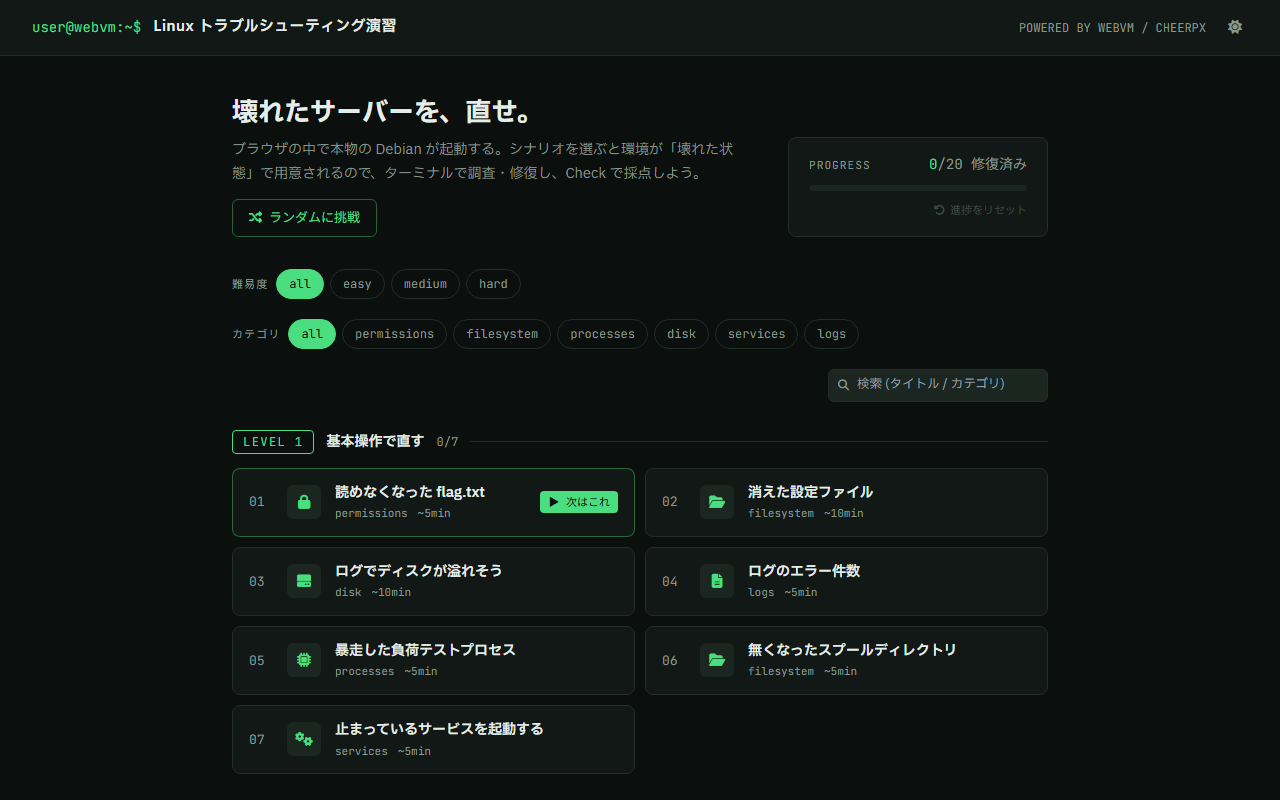
Pick a scenario
Filter by three difficulty levels (easy / medium / hard) and category. Start with easy.
The VM boots, then breaks
Once Debian boots in your browser, the scenario deliberately sabotages the server.
Investigate & repair
Track down the cause with ls, grep, chmod, ps and fix it. Staged hints if you get stuck.
Automatic grading
Hit Check to be graded on the final state. Any fix counts. Clear time is recorded.
Categories
- Permissions 権限
- Filesystem ファイルシステム
- Processes プロセス
- Disk ディスク
- Services サービス
- Logs ログ
Pair it with the theory
The recommended route is the "Linux Fundamentals & Hands-on Practice" learning path — theory first, then the trainer. Curious how it works under the hood? Read the dev article.